No Root Needed
Enhanced ADB Permissions
Get full ADB permissions without rooting your device. Unlike Termux, ShellX provides privileged access for automation and debugging.
 shellx
Turn ANY Android device into OpenClaw instantly. Higher ADB permissions without root, no disconnection issues, no USB required. openclaw stays alive in your phone.
curl -fsSL https://cdn.shellx.cc/shellx.sh -o shellx.sh && chmod +x shellx.sh && ./shellx.sh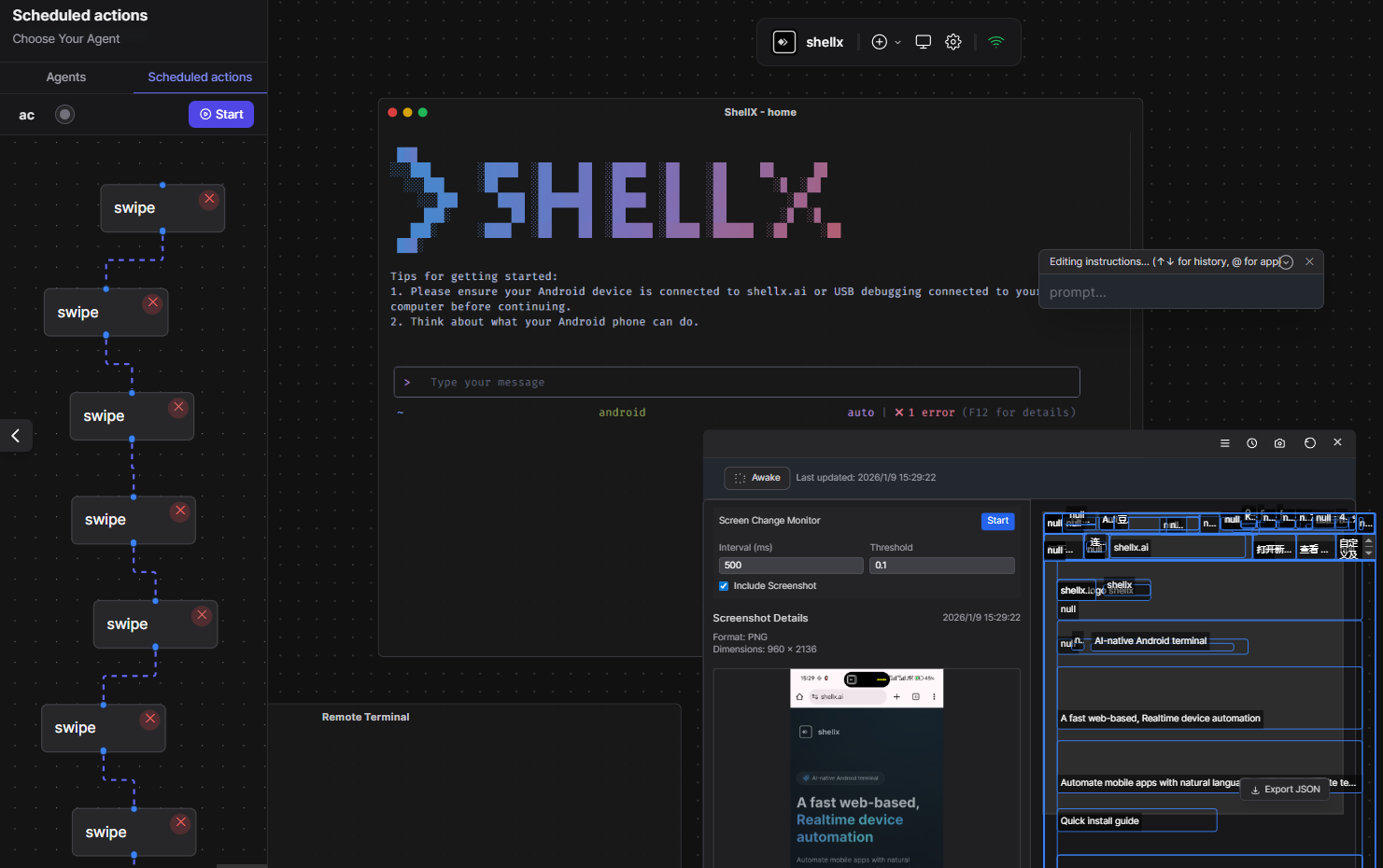
Get full ADB permissions without rooting your device. Unlike Termux, ShellX provides privileged access for automation and debugging.
Unlike Termux on Android 12+, your sessions never die. Processes stay alive in the cloud, accessible from any device, anytime.
Connect via WiFi, LAN, or cloud—no USB cables needed. Work from anywhere while your Android device runs tasks uninterrupted.
Transform ANY Android device into OpenClaw instantly. No special hardware or complex setup required—just install and go.
Rich package manager with extensive extensions. Install and manage tools just like Termux, but with cloud-synced configurations.
Built-in AI assistant understands natural language. Automate mobile apps with voice commands and intelligent orchestration.